A Town Uncovered
Play A Town Uncovered
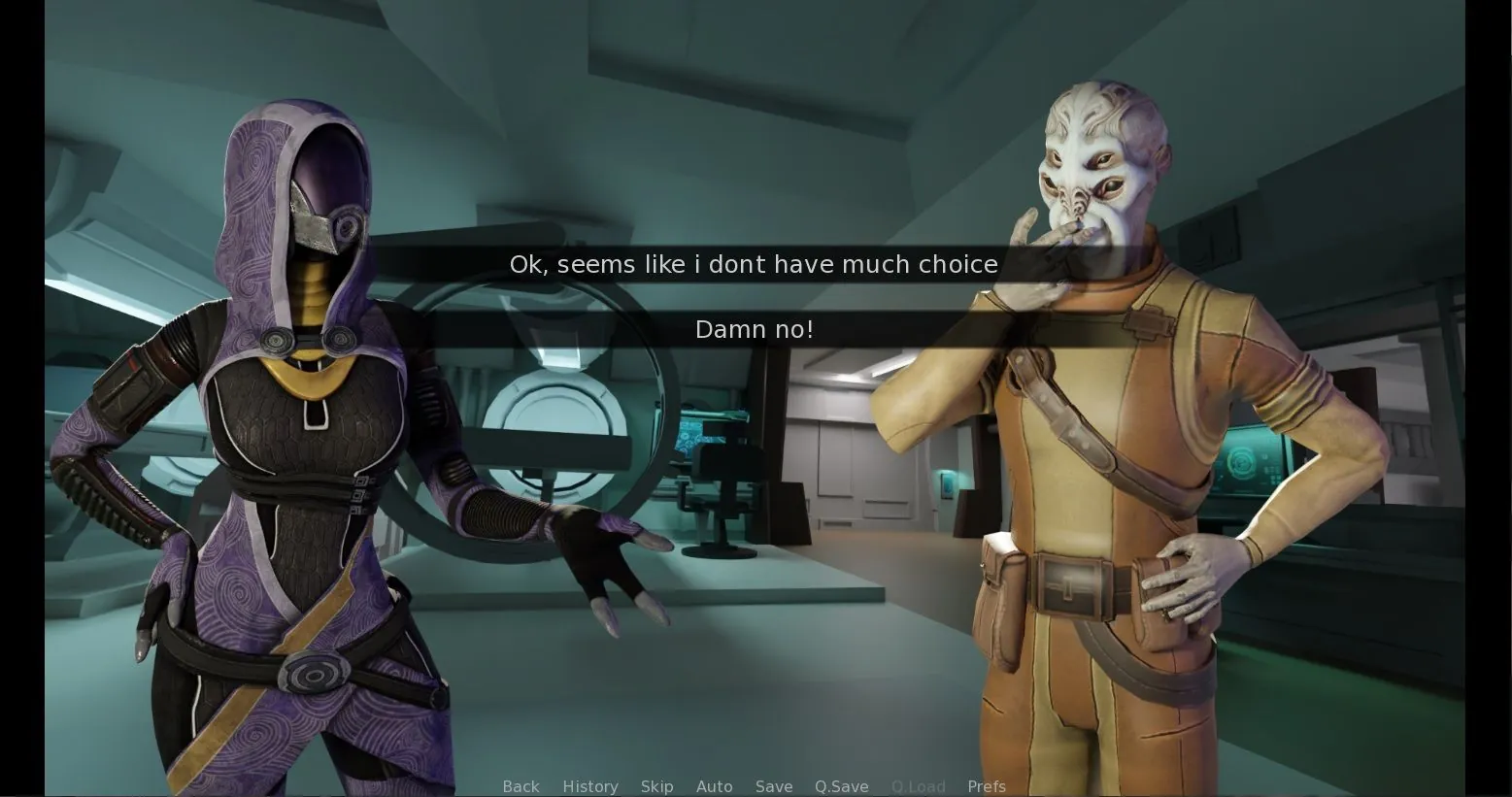
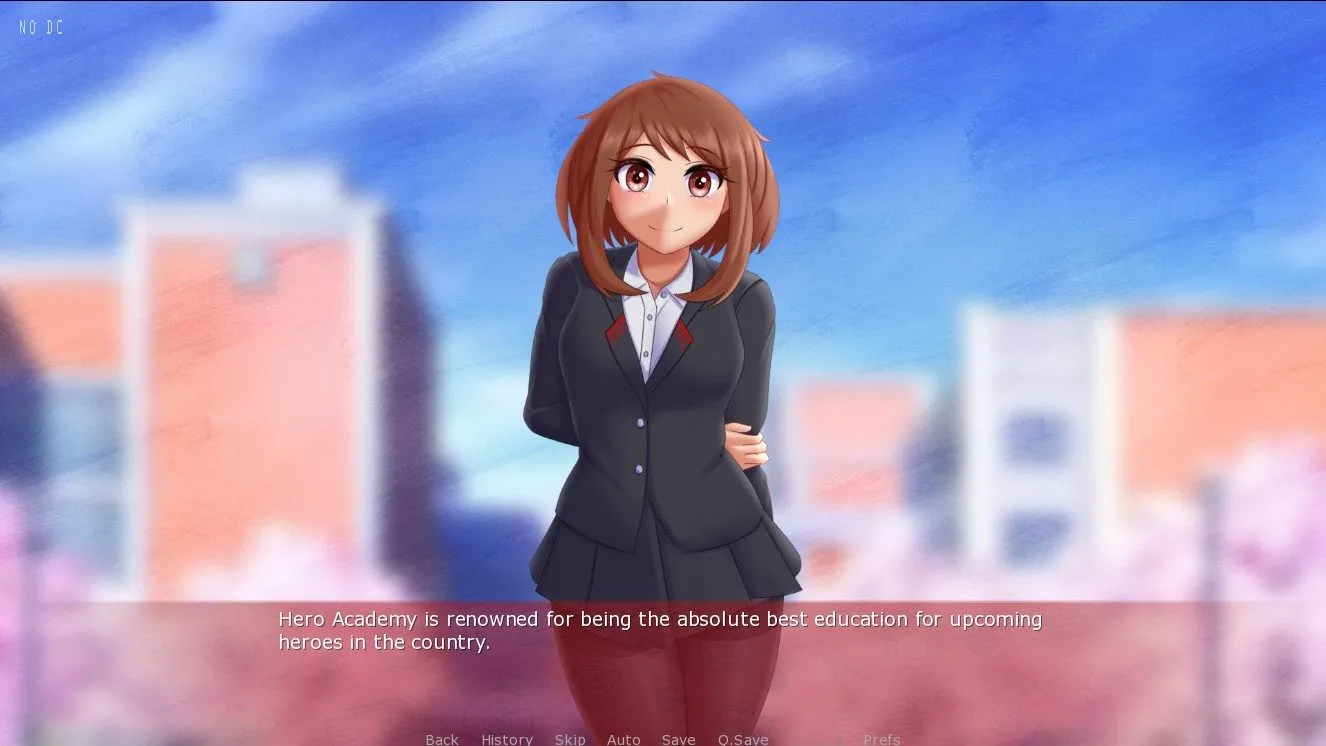
A Town Uncovered Screenshots
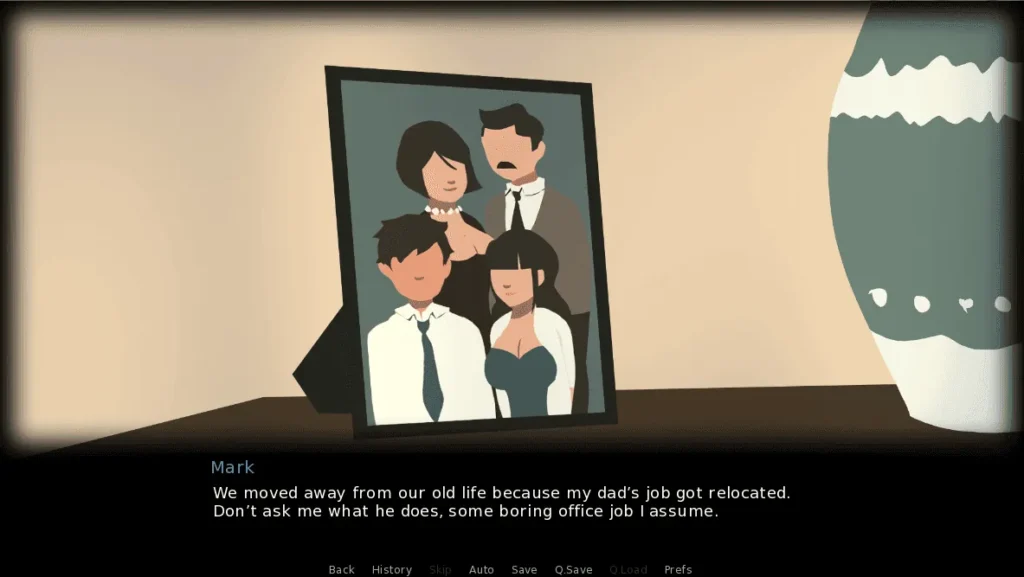
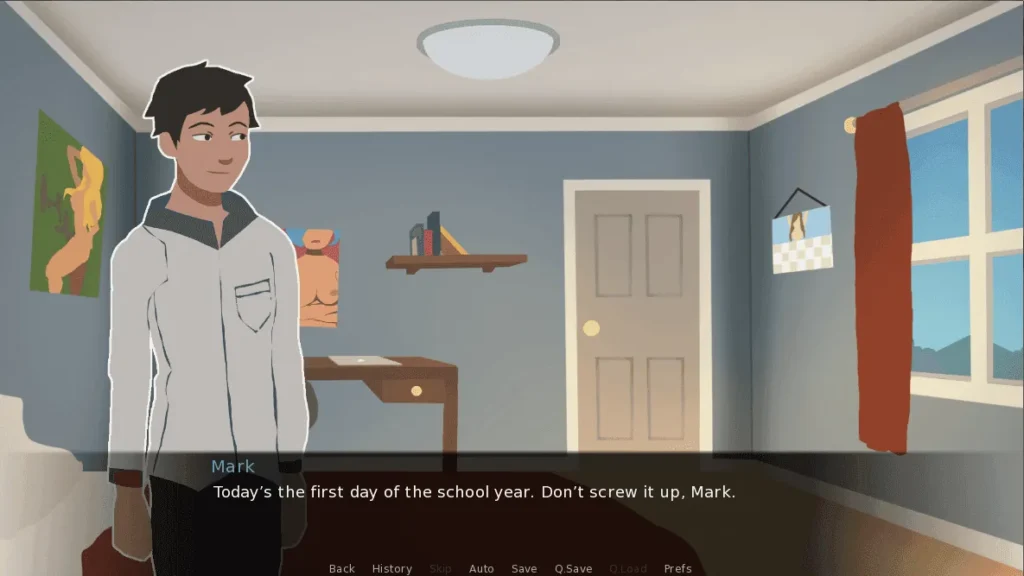
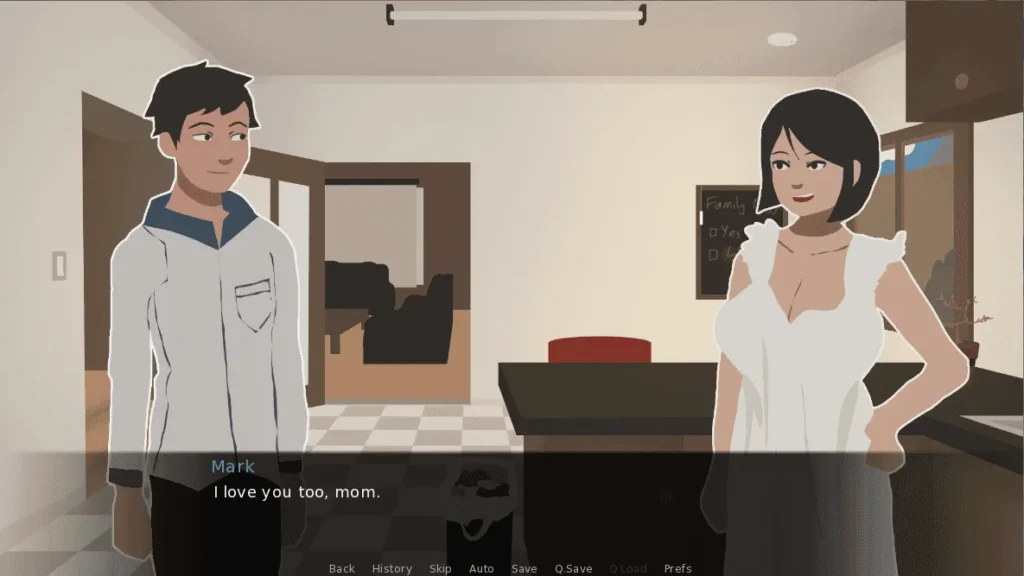
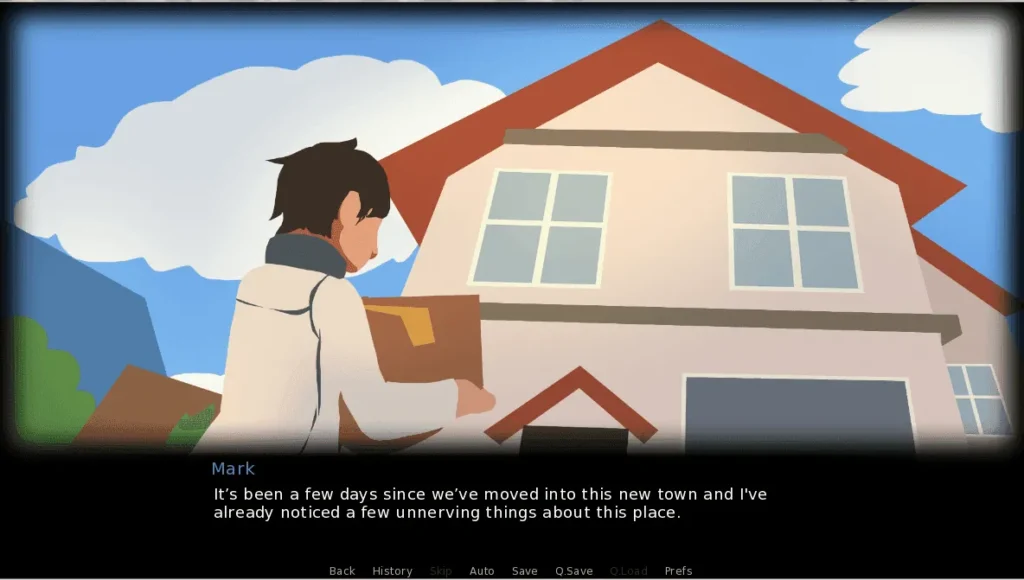
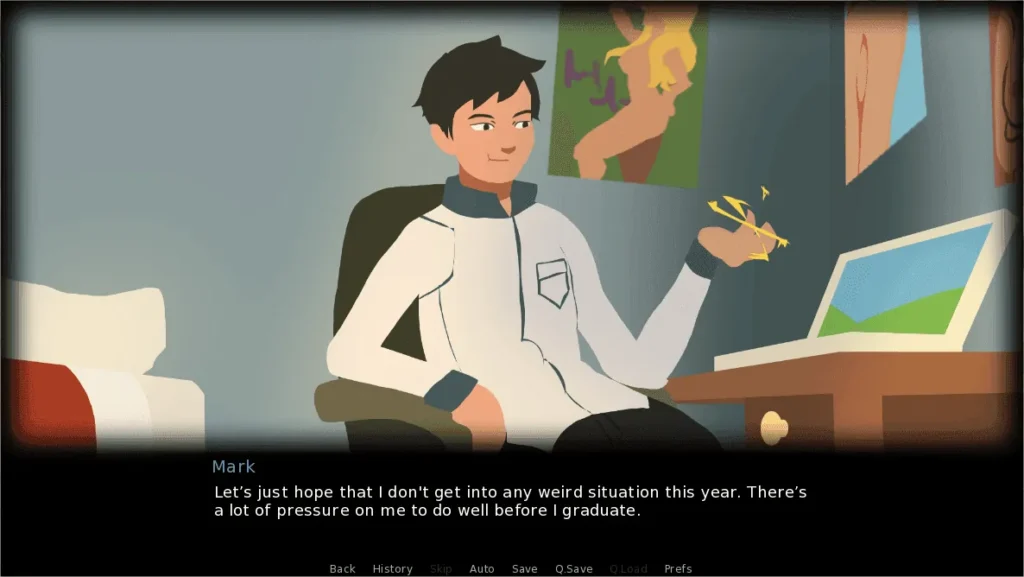
A Town Uncovered review
In-depth walkthrough, tips, and player insights for A Town Uncovered
A Town Uncovered is an adult-themed visual novel and adventure game that blends mystery, character-driven storytelling, and choice-based progression; this guide dives into everything a player needs to know to get the most from the experience. In this post I’ll share hands-on impressions, a practical walkthrough approach, technical setup tips, and strategies for unlocking key events. If you’ve recently started playing A Town Uncovered or are researching whether to try it, read on for detailed, usable advice and my personal notes from play sessions.
Getting Started with A Town Uncovered
So, you’ve heard the whispers about this unique life-simulation RPG and you’re ready to dive in? 🎮 Fantastic choice! Getting started with A Town Uncovered is mostly straightforward, but a little guidance can turn a potentially bumpy setup into a smooth launch. I remember my own first-time A Town Uncovered install—I was so eager to play that I almost missed some crucial graphics settings, leaving the text tiny and unreadable! Let’s make sure you avoid those rookie mistakes and get right to the good stuff.
This guide will walk you through everything: from finding a safe A Town Uncovered download, to checking your specs, and those all-important first steps in town. Consider me your digital tour guide. 😊
Where to get the game and installation tips
First thing’s first: you need to get your hands on the game. Figuring out where to get A Town Uncovered is the initial puzzle. Unlike titles on major platforms like Steam or GOG, this game is typically distributed directly by its creator or through community-supported platforms that host adult-oriented content.
The most reliable source is the game’s official development page or its primary community hub on platforms like Patreon or Itch.io. 🧭 Always look for links from the developer’s own social media or official blog to ensure you’re getting the legitimate, latest version. Downloading from unofficial third-party sites is a gamble; you risk outdated builds, missing content, or, worse, bundled malware.
Once you’ve found the right source, your A Town Uncovered download will usually come as a compressed archive (a .zip or .rar file). Here’s my personal, tried-and-true installation ritual:
- Create a Dedicated Folder: Before extracting, I make a new folder on my drive, often named something like
Games\ATownUncovered. This keeps everything neat and makes A Town Uncovered save files easier to locate later. - Extract Everything: Use a tool like 7-Zip or WinRAR to extract all files from the archive into your new folder. Don’t just run the game from inside the compressed file!
- The Antivirus Talk: 🔒 This is crucial for adult games. Your antivirus might flag the .exe file as a potential threat. This is almost always a false positive due to the game’s nature and packaging. You’ll likely need to add an exception for the game’s folder in your antivirus software or temporarily disable it during installation and first run. It’s a common step in the A Town Uncovered troubleshooting playbook.
- Run the Executable: Look for the main
.exefile (often namedGame.exeor similar) in the folder you extracted. For the first run, I always right-click and select “Run as administrator.” This prevents permission errors that can stop saves from working. - Compatibility Mode (The Old Reliable): If the game doesn’t launch, especially on newer versions of Windows, try setting the .exe to run in Windows 7 or 8 compatibility mode. Right-click the .exe > Properties > Compatibility tab.
Pro Tip: I always do a quick web search for the exact version number plus “install notes” (e.g., “A Town Uncovered v2.5 install”). Often, the developer or community will have posted specific instructions for that update, like needing to install a certain font or runtime library.
Here’s a quick checklist I follow for every update:
- ✅ Verified the download source is official.
- ✅ Created a clean installation folder.
- ✅ Added the folder to my antivirus exception list.
- ✅ Extracted all files before running.
- ✅ Ran the game as administrator on first launch.
For players on Mac or Linux, the process usually involves a compatibility layer like Wine or PlayOnMac. The general principle is the same: get the Windows files, then use the tool to point to the game’s .exe. Community forums are your best friend for OS-specific guides.
System requirements and recommended settings
You don’t need a gaming beast to run A Town Uncovered, but knowing the A Town Uncovered system requirements ensures a smooth experience without frustrating lag or crashes. The game is built with the Ren’Py engine, which is generally lightweight, but your mileage can vary with the complexity of scenes and animations.
Here’s a breakdown of what you’ll need and what I recommend for the best play:
| Component | Minimum Requirements | Recommended “Butter-Smooth” Settings |
|---|---|---|
| OS | Windows 7 (64-bit) | Windows 10/11 (64-bit) |
| CPU | Dual-core processor, 1.8 GHz | Any modern quad-core processor (Intel i5 / AMD Ryzen 5 or better) |
| RAM | 4 GB | 8 GB |
| GPU | Integrated graphics (OpenGL 2.1 support) | Dedicated graphics card (NVIDIA GTX 750 Ti / AMD R7 260X or better) |
| Storage | 2 GB free space | 5 GB free space (for future updates and saves) |
| Display | 1280×720 resolution | 1920×1080 (Full HD) |
🎯 My Personal Settings & Tips:
After you complete your A Town Uncovered install, launch the game and immediately head to the settings menu (often in the startup launcher or the in-game menu).
- Resolution: Match this to your monitor’s native resolution. If the text is too small (my biggest initial headache!), see if there’s a “GUI Scale” or “Text Size” option instead of lowering the resolution, which can make graphics fuzzy.
- Graphics/Performance: Ren’Py games sometimes have a “Fast Skip” or “Skip Unseen Text” option. Turn this on. It dramatically speeds up repeated playthroughs. Also, enable “Transitions” for a nicer feel, but if you experience stuttering, try turning them off.
- Audio: The soundtrack and sound effects are part of the charm! 🎵 Balance the music, SFX, and voice (if present) sliders to your taste. I usually lower the music to 70% and keep SFX at 100% so I don’t miss important cues.
- Saves: This is critical! The game typically auto-saves, but manually save often and in multiple slots. I use Save Slot 1 for major story decisions, and slots 2-5 for rotating recent progress. This habit is your #1 defense against corrupted progress.
First impressions: tutorial, UI, and controls
You’ve downloaded it, installed it, and configured it. Now for the fun part: pressing “Start” for the first time. ✨
The game will likely begin with an introductory sequence setting up the story. Pay close attention! The tutorial in A Town Uncovered is often woven into the initial narrative. You might be taught how to interact with objects, talk to characters, or manage your time and stats through in-character dialogue. Don’t spam-click through this—the mechanics of time progression, energy, or relationship points are usually explained here and are key to success.
The User Interface (UI) is generally clean and point-and-click. You’ll navigate using a combination of:
* Mouse: Primary interaction. Click to select dialogue, choose menu options, and move around maps.
* Keyboard Shortcuts: These are lifesavers for efficient play. Common ones include:
* Ctrl to fast-forward through text you’ve already read.
* Tab to hide the UI for a cleaner view.
* S for quick-saving (always check if this is enabled!).
* L for quick-loading.
* The Spacebar or Enter key to advance text.
Spend five minutes in the settings menu or the game’s help screen to memorize these. It makes the experience infinitely more fluid.
My first launch anecdote? I blew past the early text, missed the hint about the town map, and spent 10 real-world minutes clicking on doors in a single street wondering how to progress! 😅 The journal or phone menu (usually an icon on the screen) is your best friend. It tracks objectives, character profiles, and often contains the map for fast travel.
A final piece of A Town Uncovered troubleshooting for first runs: if you launch the game and see only a black screen or hear audio but no video, it’s often a codec or DirectX issue. A quick fix is to install the latest version of the “K-Lite Codec Pack Standard” or ensure your DirectX is updated through Microsoft’s official web installer. If certain character sprites or backgrounds appear as black boxes, try re-downloading the game archive—the initial A Town Uncovered download might have been corrupted.
FAQ: Your First Steps, Solved
Q: My game won’t launch after installation. What do I try first?
A: This is the most common A Town Uncovered troubleshooting step. First, run the .exe as an administrator. If that fails, try compatibility mode for Windows 7 or 8. Finally, ensure your antivirus isn’t quarantining the game file. Check its logs and create an exception for the game’s folder.
Q: Where are my A Town Uncovered save files located?
A: They are usually in one of two places: inside the game folder where you installed it, in a subfolder called saves, or in your Windows user directory under AppData\Roaming\RenPy\. Knowing this lets you back up your saves manually—just copy that folder elsewhere before updating the game!
Q: I loaded my game and my progress is gone/corrupted! Can I fix it?
A: 😨 Don’t panic! If you’ve been using multiple save slots (like I recommended), just load an earlier one. If not, check your save folder for files named .save.bak—these are automatic backups. Try renaming one by removing the .bak extension. Your best long-term fix is to get into the habit of manual, multi-slot saving.
Q: The text is blurry or the wrong size. Help!
A: Head to the in-game preferences. Look for “GUI Scaling” or “Font Size” options. If those aren’t available, try changing the game’s resolution to a 16:9 aspect ratio that matches your monitor (e.g., 1600×900 if 1920×1080 makes text too small).
Getting started should be an exciting prelude, not a technical chore. By following these steps, you’ve laid the perfect foundation. Your A Town Uncovered download is secure, your A Town Uncovered install is stable, and you’re now ready to step into the town, meet its quirky residents, and uncover all its secrets. Enjoy your adventure
A Town Uncovered combines character-driven narrative, choice-based branching, and collectible progression in a compact visual novel experience; this guide covered setup, story and characters, an actionable walkthrough for key scenes, gameplay mechanics and player tips, plus community and safety advice. Use the walkthrough steps and personal tips here as a starting plan: set up reliable saves, decide which character routes you want to prioritize, and engage with community resources when you hit a tough branching point. If you found these insights helpful, try the recommended example route in the walkthrough and share your results with fellow players to refine your approach.